
Turn any room into the party.
Share a QR code and everyone adds the songs they want to hear — then every phone in the room becomes a speaker. No app to install.
∞
Songs in the queue
1
QR code to join
0
Apps to install
5+
Phones synced as speakers
Try it
Tap a song — watch it land in the queue.
This is exactly what your guests see. They scan, search, and add — every pick drops into one shared queue that plays in order. No app, no account, no aux-cable politics.
- playing
One More Time
added by Sara
Pasoori
added by Dev
Add a song — tap one to try it
How it works
Three taps from silence to a room full of requests.
- 1
Start a party
Sign in, name your party, and get a room with its own QR code in one tap.
- 2
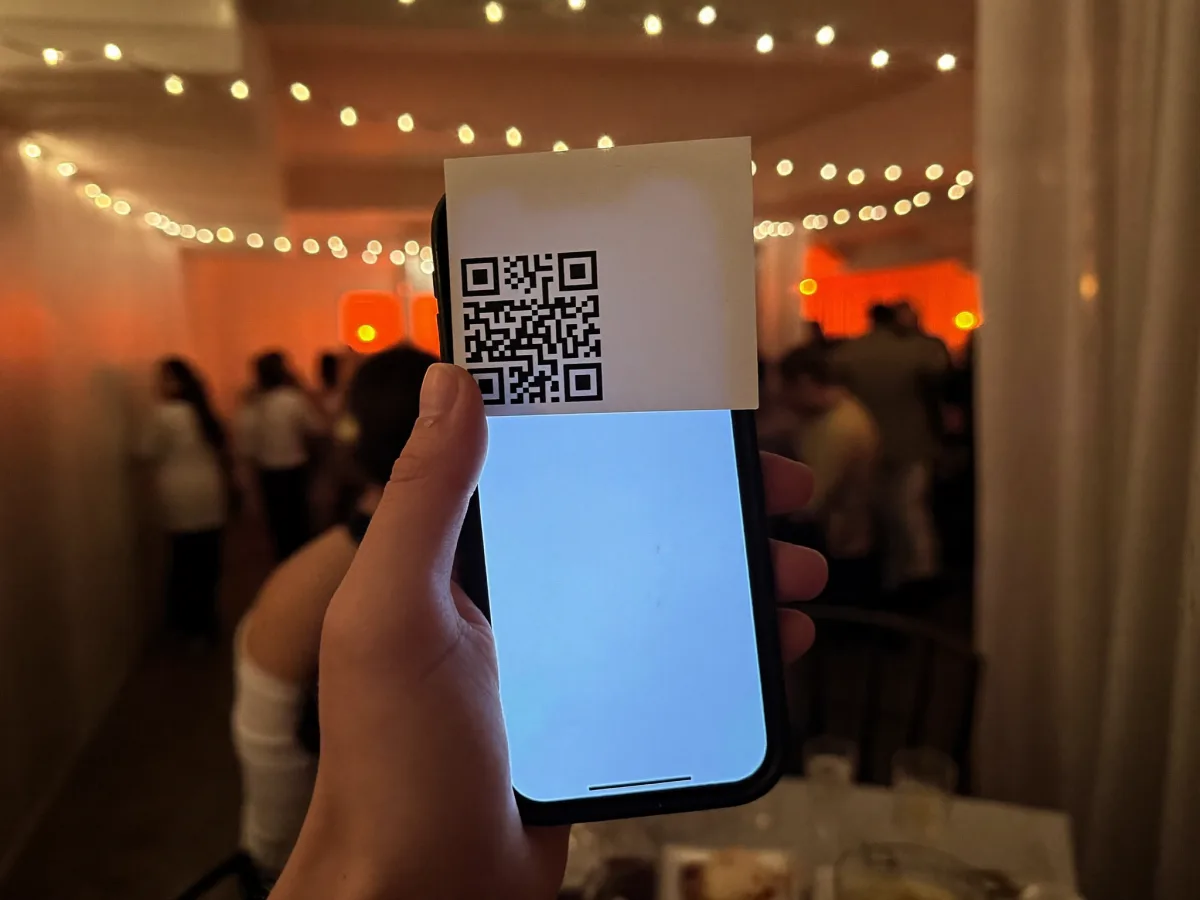
Friends scan & add
Guests scan the QR with their camera — no app, no account — and add the songs they want.
- 3
The queue plays
Everyone's picks play in order, on one speaker or many synced phones. Steer it from any device.
Features
Everything the room needs.
Tap through what makes it more than a queue.
One shared queue — everyone's the DJ
Guests scan the QR and drop songs into the queue with their name attached. No app, no account, no fighting over the aux.

Live mic & co-hosts
Hype the room, together.
Grab the mic to shout out the next song, or share a co-host link so a friend can run the queue with you. The party stays in sync across every phone.
Why Party Mode
Built for the room, not the aux cable.
No app to install
Guests just point their camera at the QR. It works on any phone, instantly.
Everyone's the DJ
One shared queue. No more handing your phone around or fighting over the aux cable.
Free & private
Made for house parties, friends, and gatherings. No payments, no charges, ever.